

















Evolve Your Outdoor Care
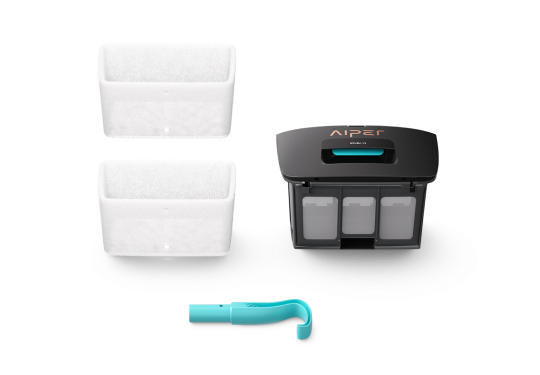
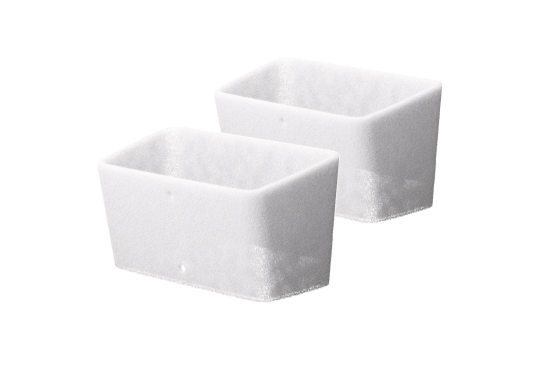
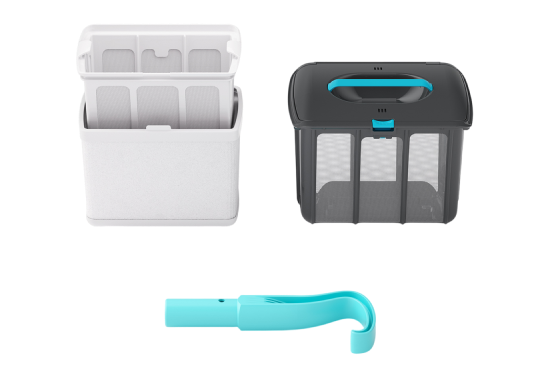
What's Included with Your Irrisense 2 Access
How Access Is Unlocked
Confirm Your Access
Where Your Access Can Be Used
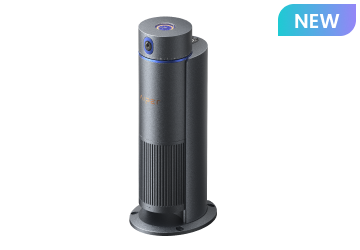
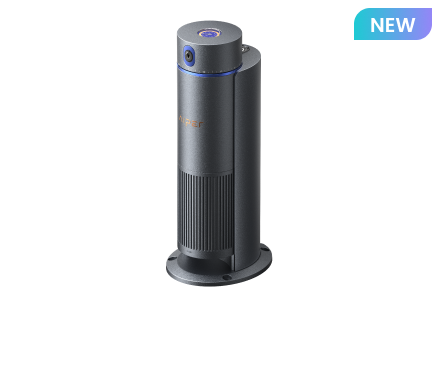
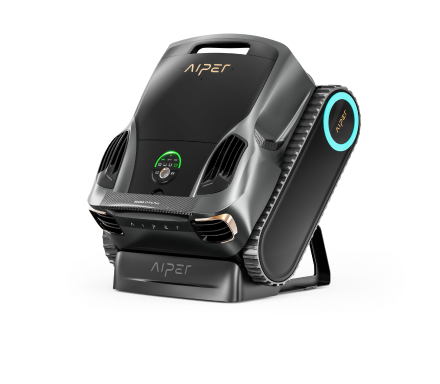
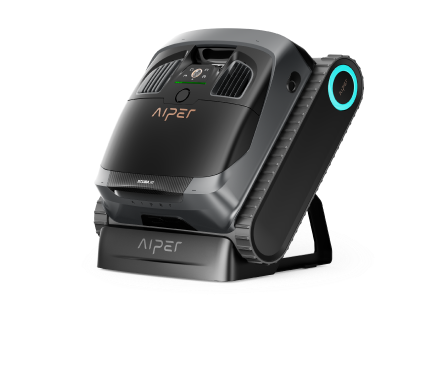
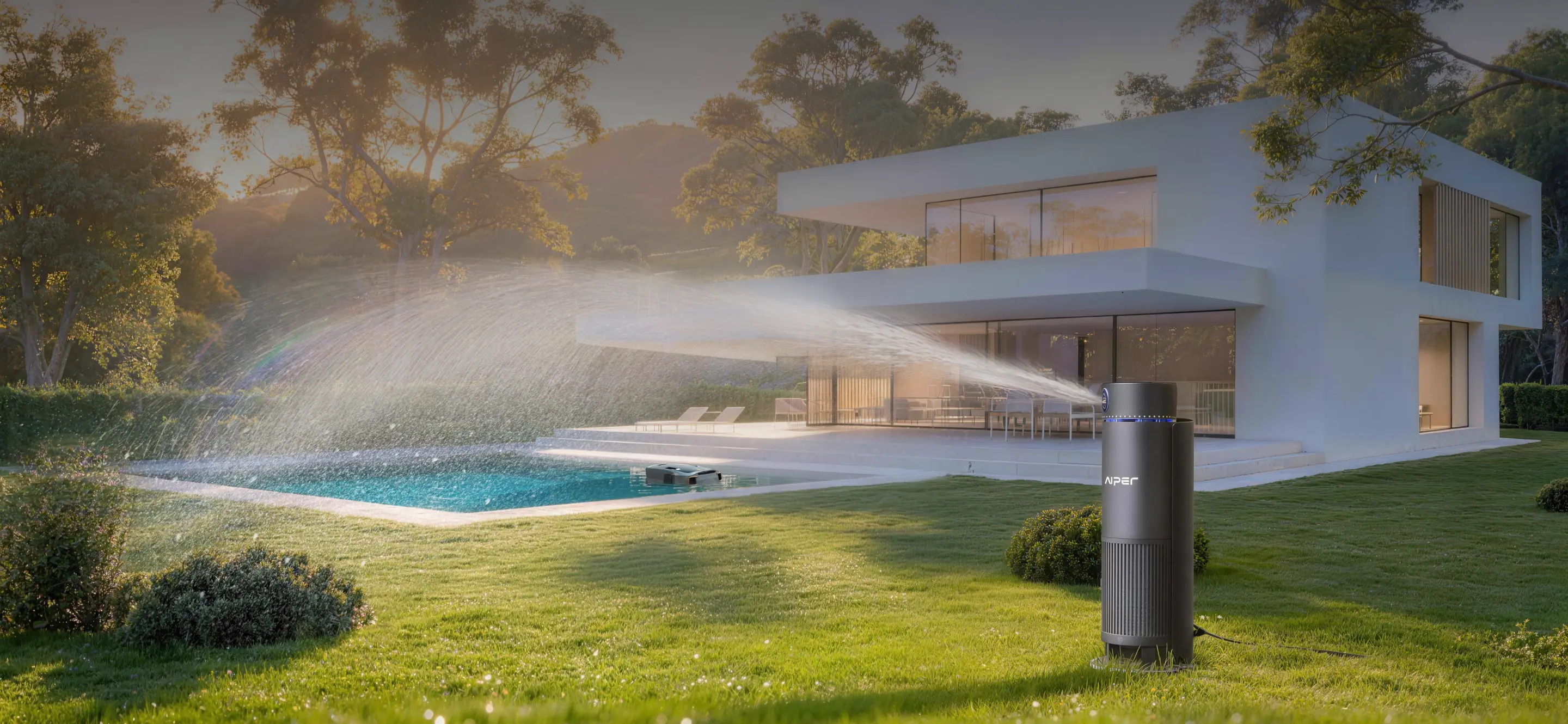
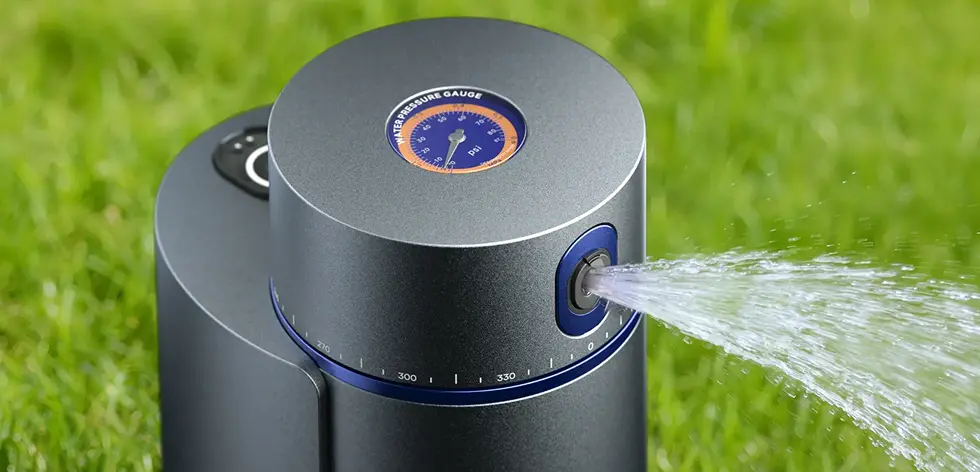
AIPER IrriSense 2
Plant- Specific Multi-Zone Irrigation
Precision Mapping
Set once, relax for weeks
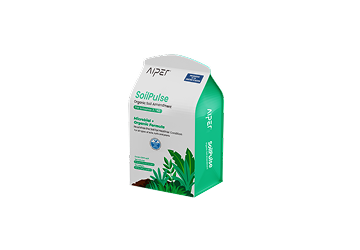
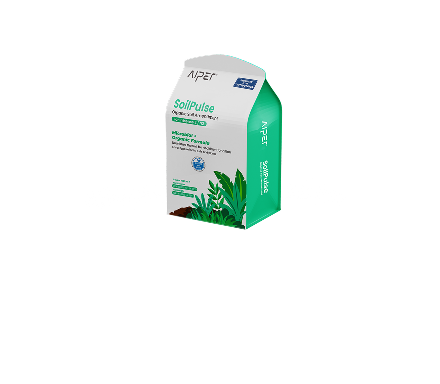
SoilPulse™
FAQs

$40OFF
Your $40 Off Coupon
A $40 coupon code can be combined with other eligible offers containing IrriSense 2, once your access is confirmed.
*Discount is applied via code during checkout.
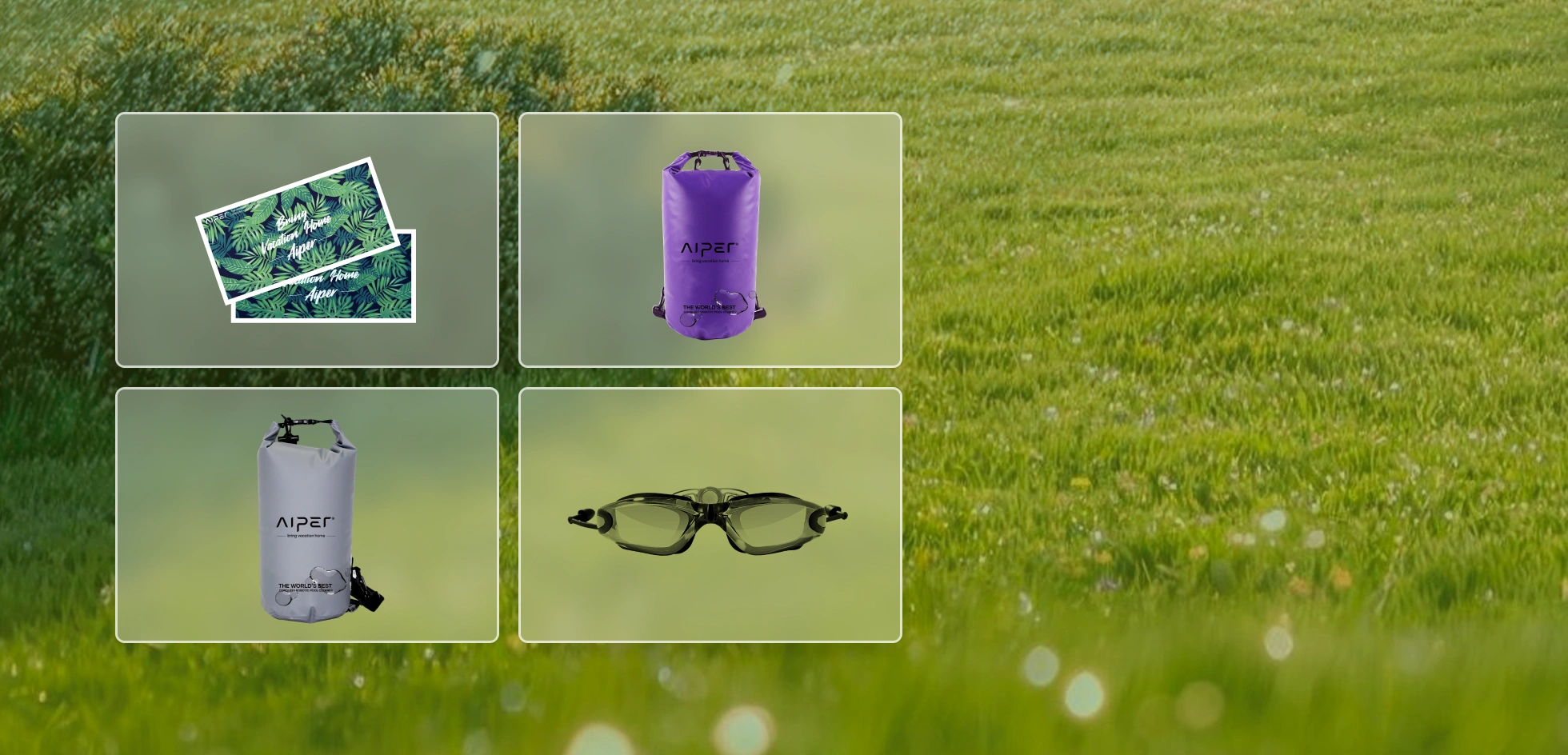


Aiper Merch Redemption Coupon
Redeem for an exclusive Aiper gift worth up to $49.99, including a beach towel, a beach bag (color assigned at random), or swimming goggles. The specific gift type is randomly assigned based on the stock.
*Limited stock available. While supplies last.

Confirm Your Ownership
Sign in or provide product details so we can recognize your Aiper ownership.

Access Is Unlocked
Once confirmed, the appreciation benefits shown above will be made available to you.

Apply at Checkout
Use your access on eligible orders during checkout.
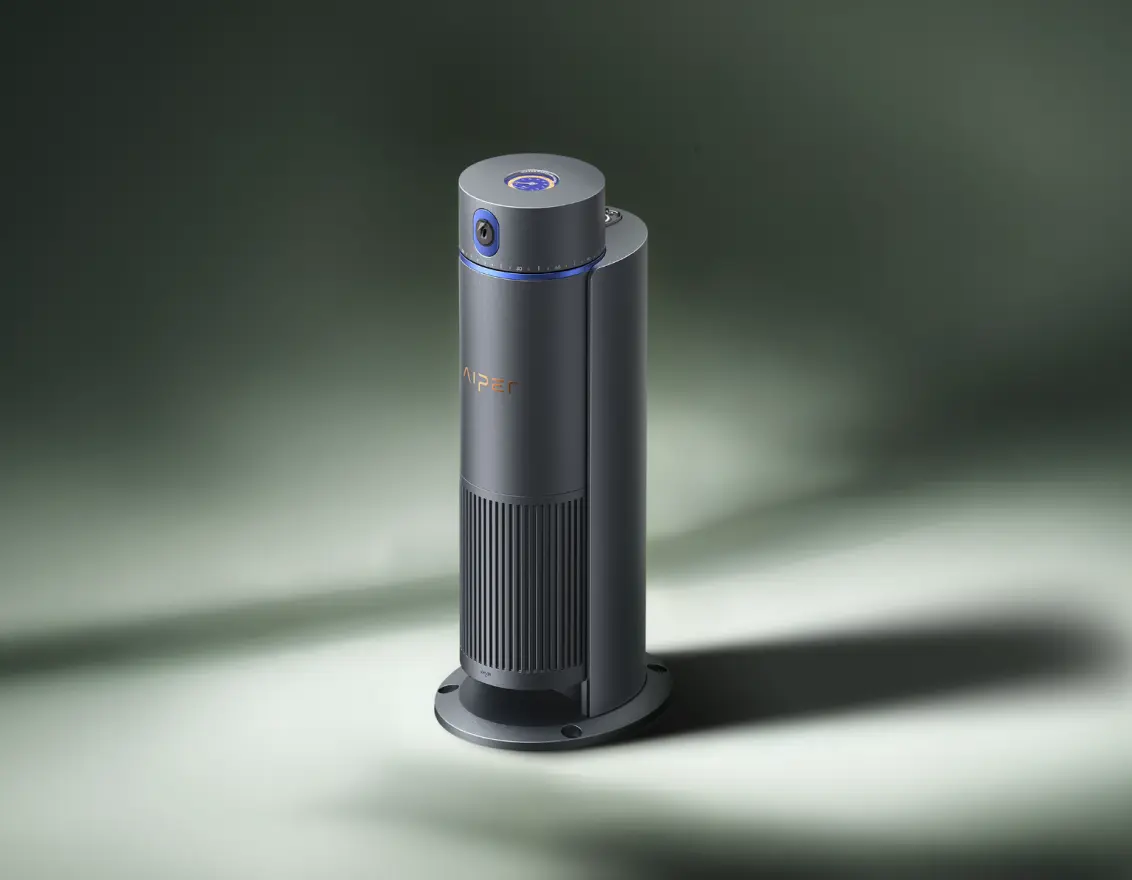
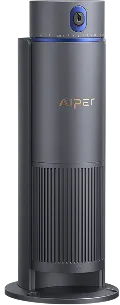





Plant- Specific Multi-Zone Irrigation
Precision Mapping
Full Smart App Control
SoilPulse™
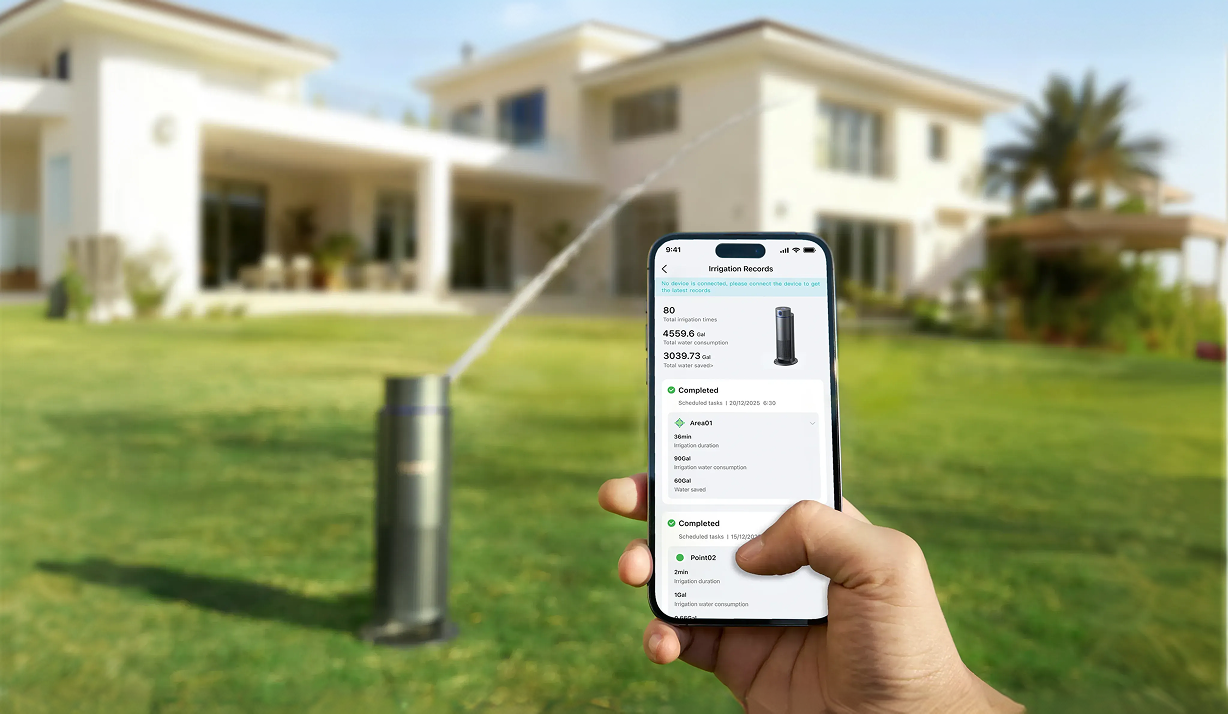
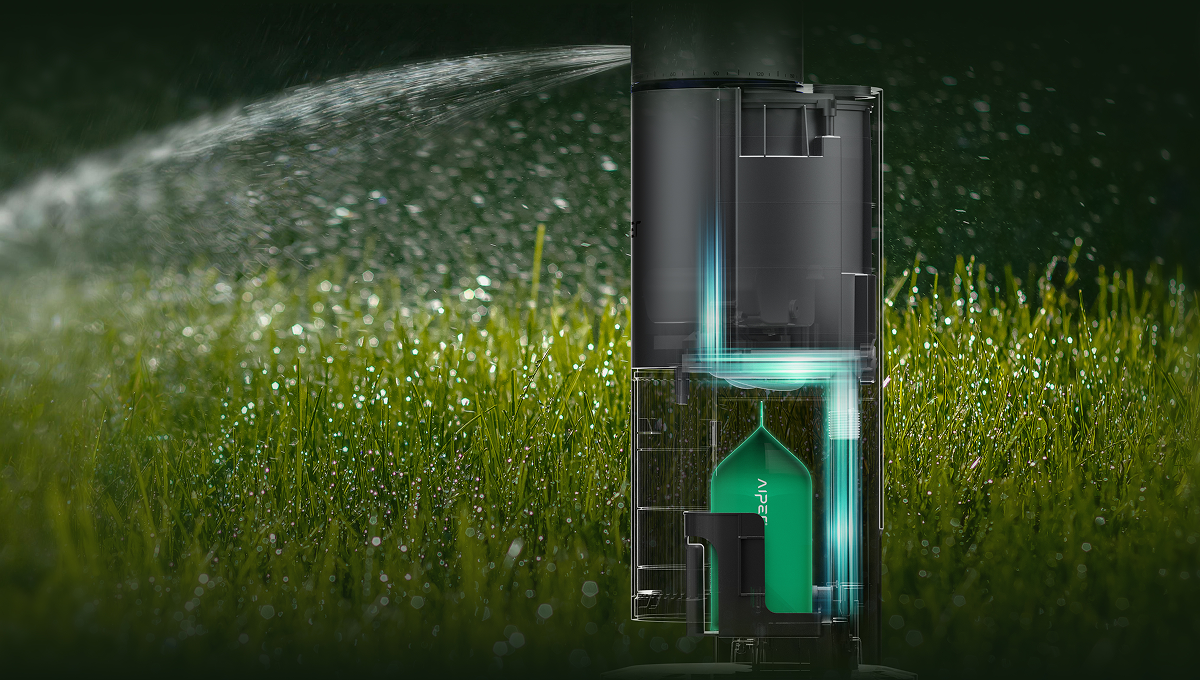
FAQs
Subscribe now for Exclusive Offers!
Get Up to $100 OFF Your First Purchase
Aiper Membership Perks

Earn AiperPoints with every order

Use AiperPoints as cash deductions

Redeem AiperPoints for special gifts

24/7 customer support